This guide shows you how to enable SSO for OKTA on BuiltWith Team.
Step 1: On your OKTA admin panel click Applications
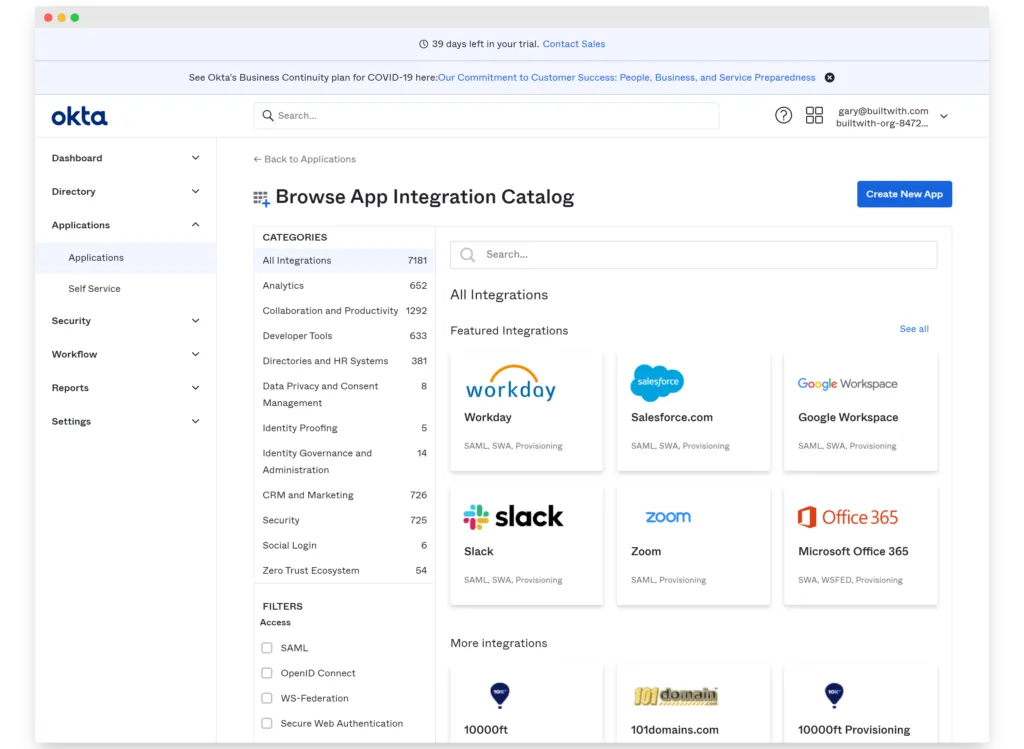
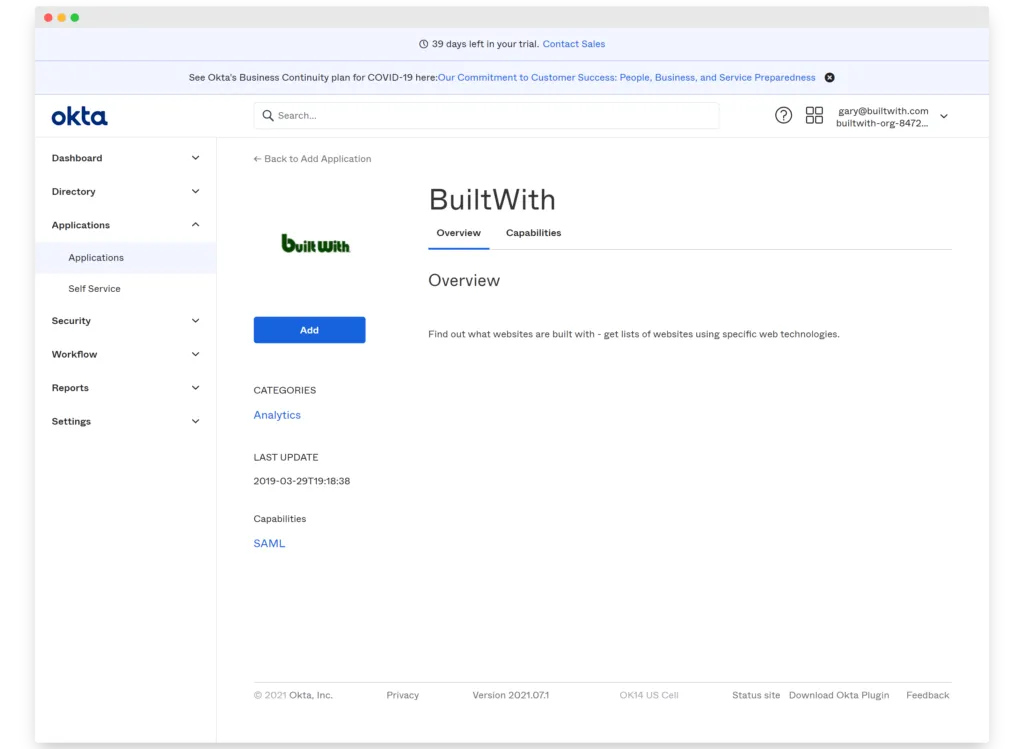
Step 2: Browse App Integration Catalog and search for 'BuiltWith' and click Add
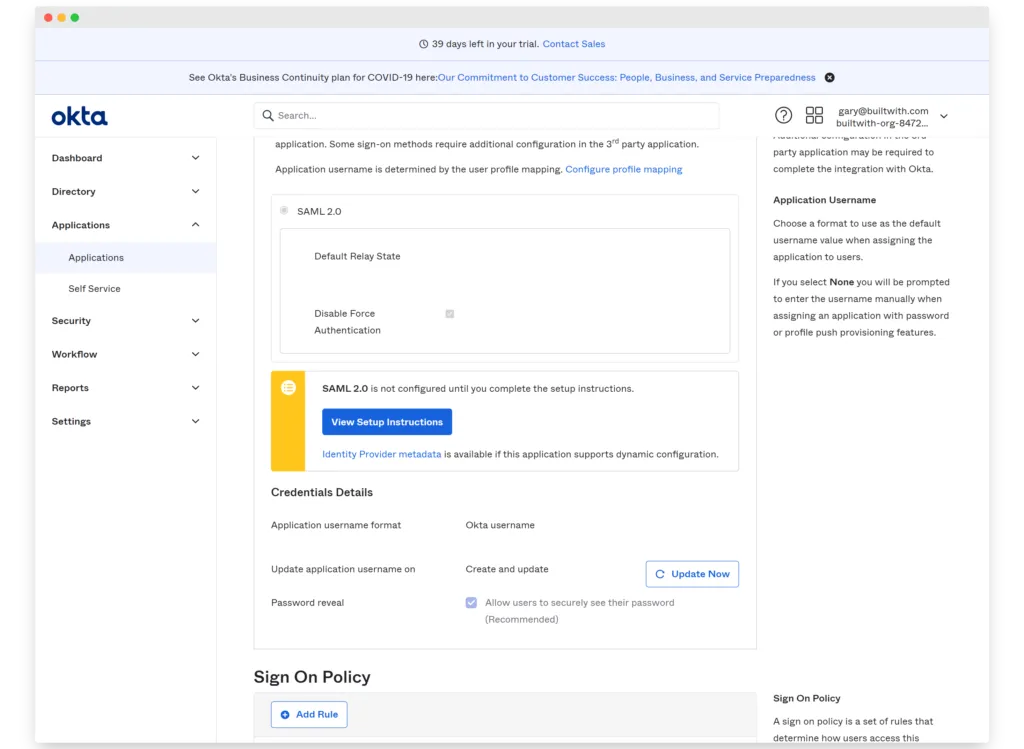
Step 3: In BuiltWith App select the 'Sign On' Tab and click the 'View Setup Instructions' button -
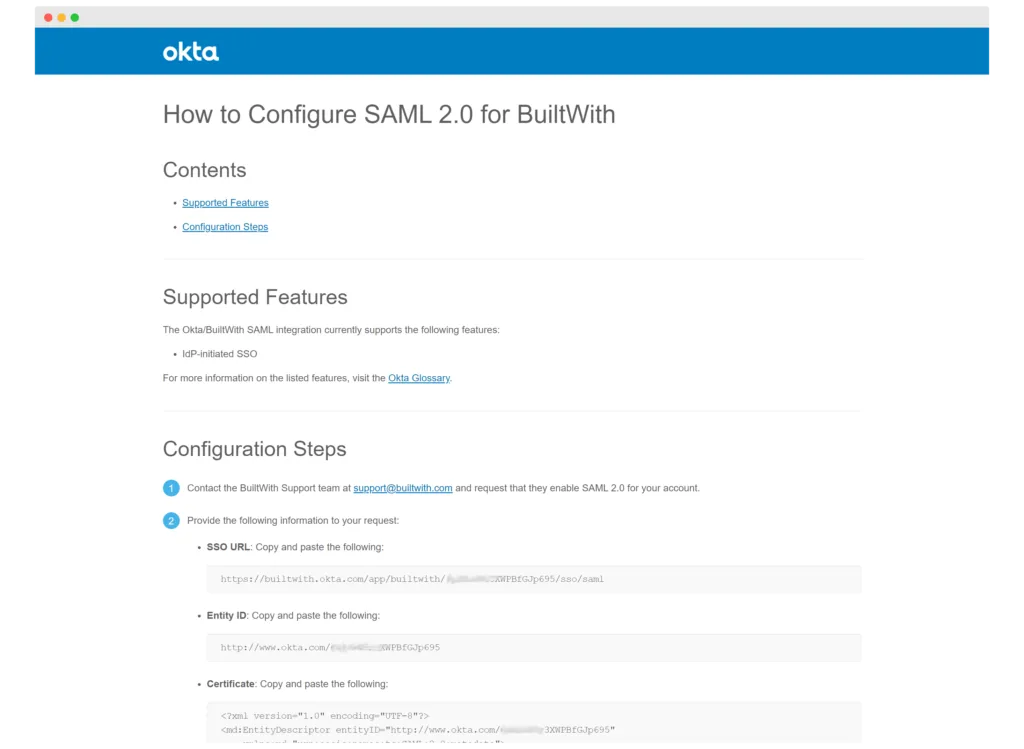
Step 4: Send us all of the details on the page shown similar to the one below to support@builtwith.com
Step 5: That's it.